Context
Women in Information Systems (IS) is an organization within Carnegie Mellon (CMU)’s bigger initiative to support women and underrepresented groups in STEM.
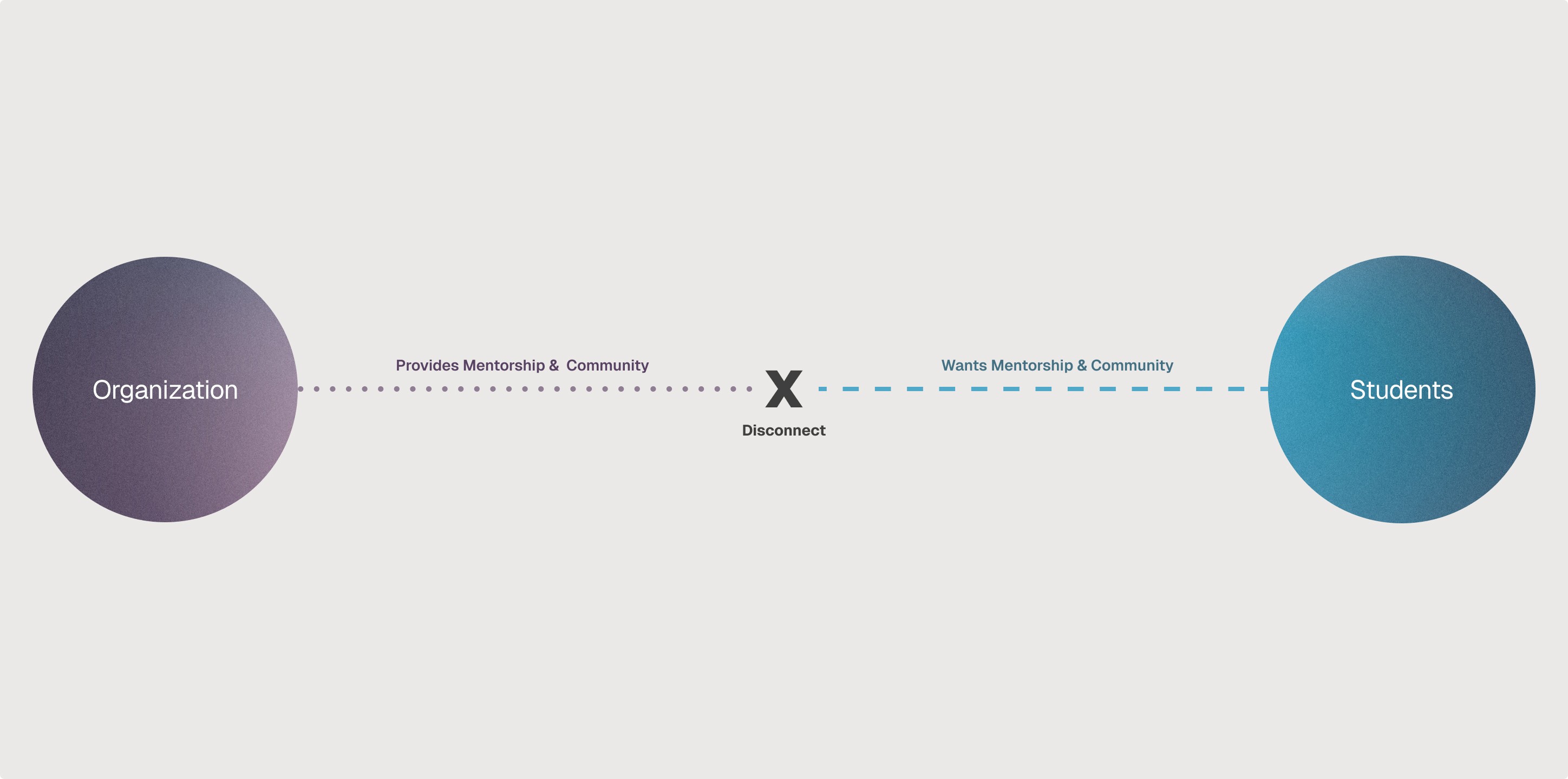
The organization is struggling to attract new members although it was created to address students’ needs.
Outcome
Received buy-in from organization for development
Achieved a 100% task success rate amongst the 4 participants with 4 different tasks for the final design
Decrease participants’ time spent on tasks by an average of -5 sec each between the two usability testing sessions
Roles
Design Lead
Bon Bhakdibhumi
Research Lead
Nicole Xiang
Development Lead
Michelle Koo
Timeframe
6 Weeks
2021, 2023
01
❋
The Problem
❋
Guiding Questions
How come students are not utilizing the resources provided by the organization?
How might the organization better support students in their college journey and set them up for professional success after they leave Carnegie Mellon University?
→
The project began with setting the goal with the team. Everything else—site map, wireframes, prototypes, etc.—was extrapolated from this point. By engaging in reflection, whether self-directed or by external feedback, I ensured that every design direction move the project closer to the goal.
Design Goal
Project’s Criteria for Success
❶
Students are able to identify the organization’s main resources.
❷
More students express interest in joining.
02
❋
The Solution
❋
①
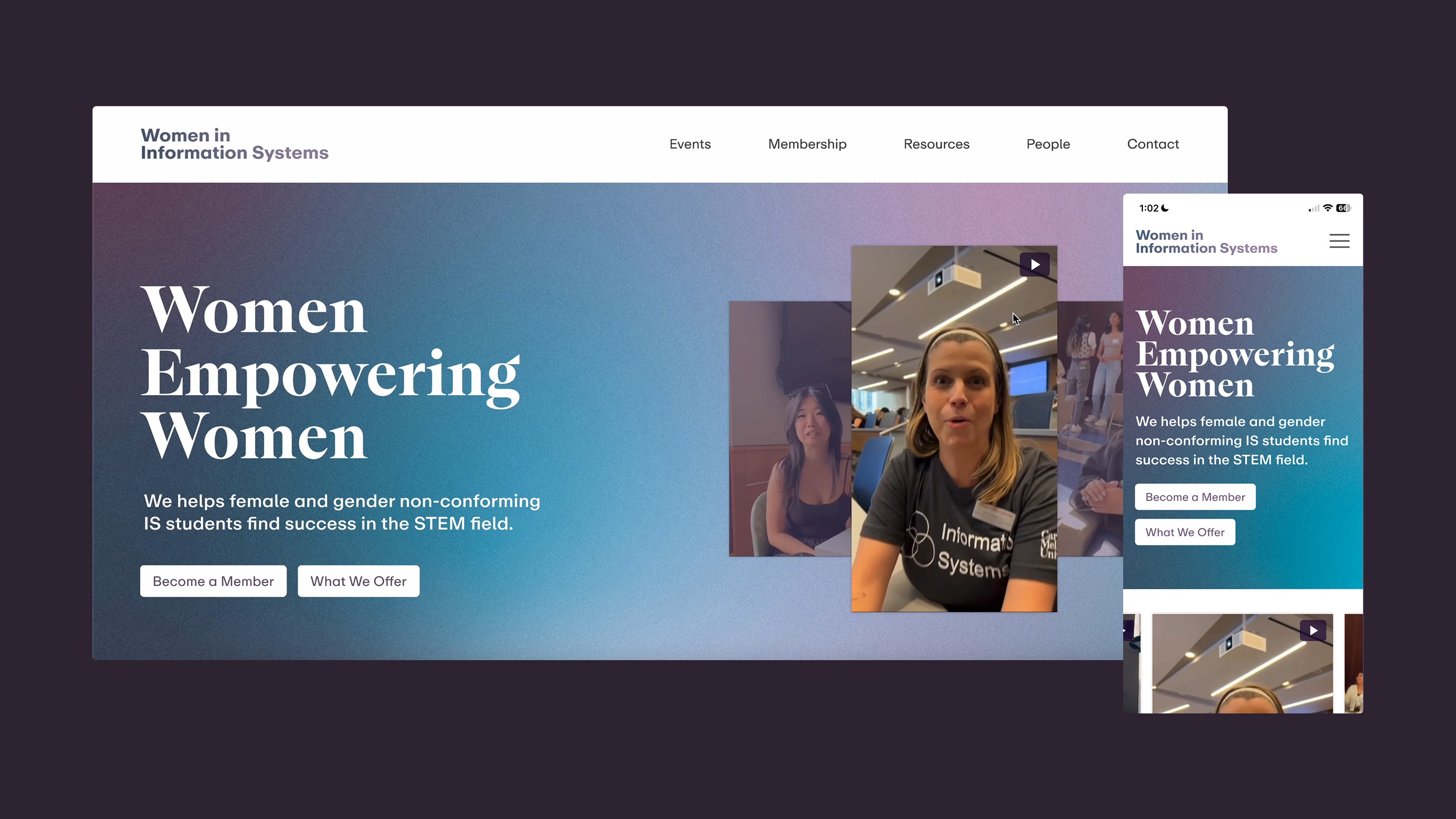
A reimagined landing experience prioritizes community-driven imagery and clear value propositions, serving as a gateway to the organization for prospective members.
②
Streamlined Access
to Critical Resources
The new site architecture transformed fragmented information into a single, centralized hub of information, simplifying the discovery process for important resources and lower friction for participation.
③
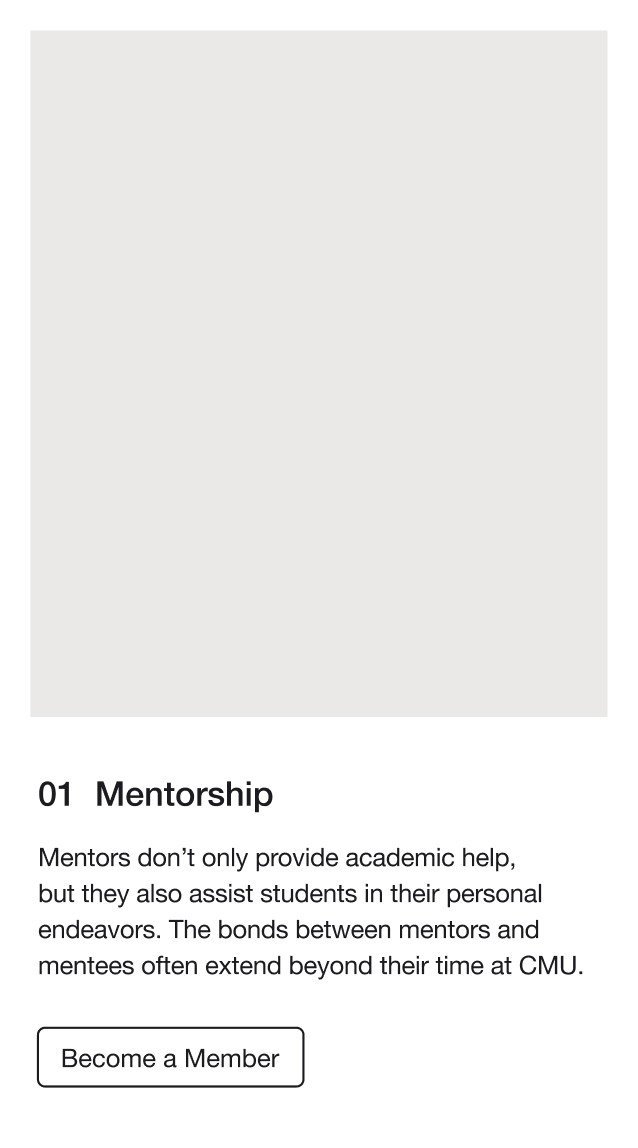
Responsiveness was at the heart of the design, allowing students to access information from different devices, from computer to mobile.
Events Page: Desktop and Mobile Views
Mobile View of the Website
03
❋
Research
❋
Semi-Structured Interviews
To understand the existing gap, we interviewed 5 representatives from the target audience—mentors, prospective members, and IS faculty advisors—ensuring that we understood the problem from all relevant perspectives.
Uncovering Needs and Pain Points Through Qualitative Research
Key Research Takeaways:
①
②
③
↓
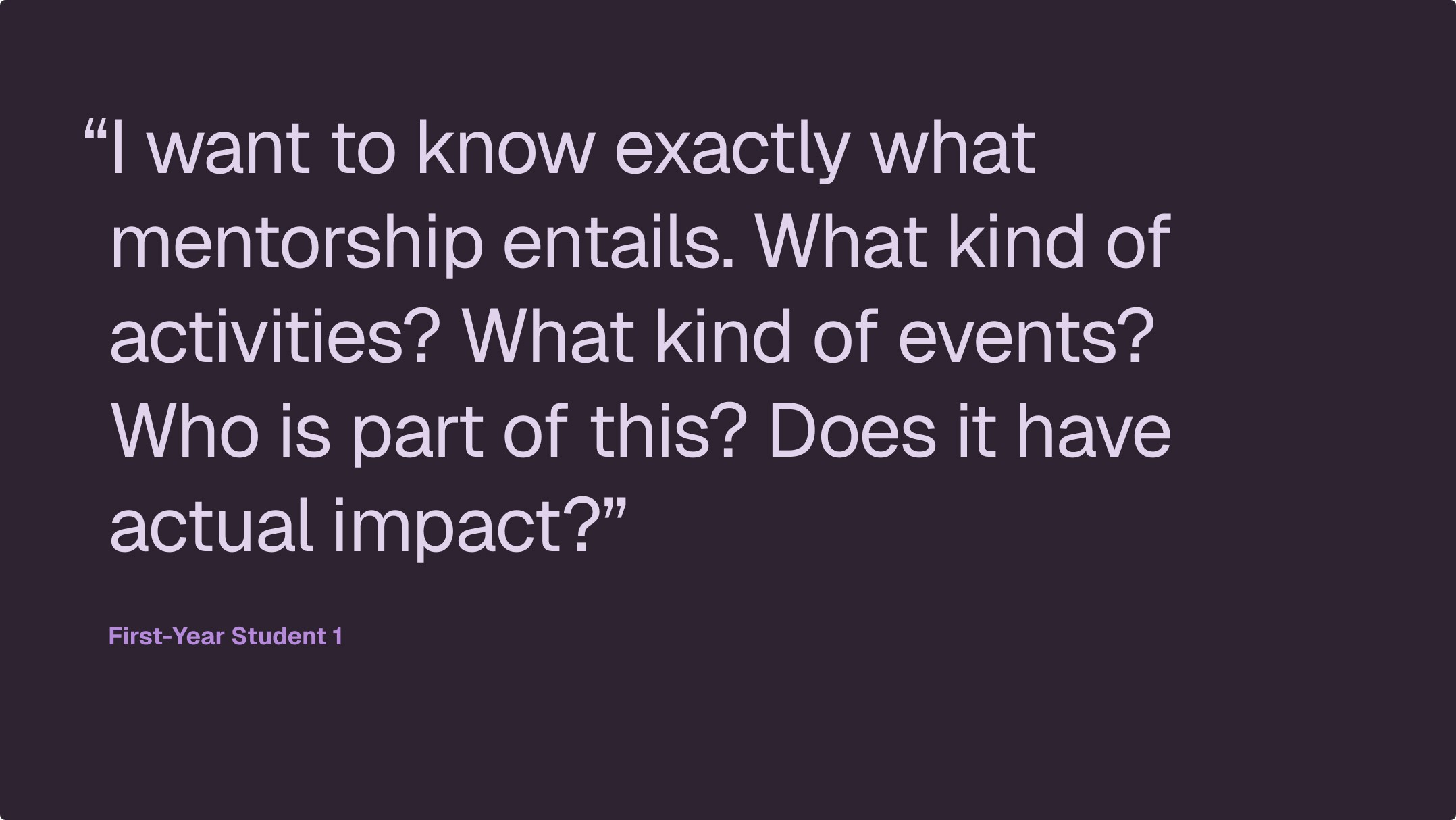
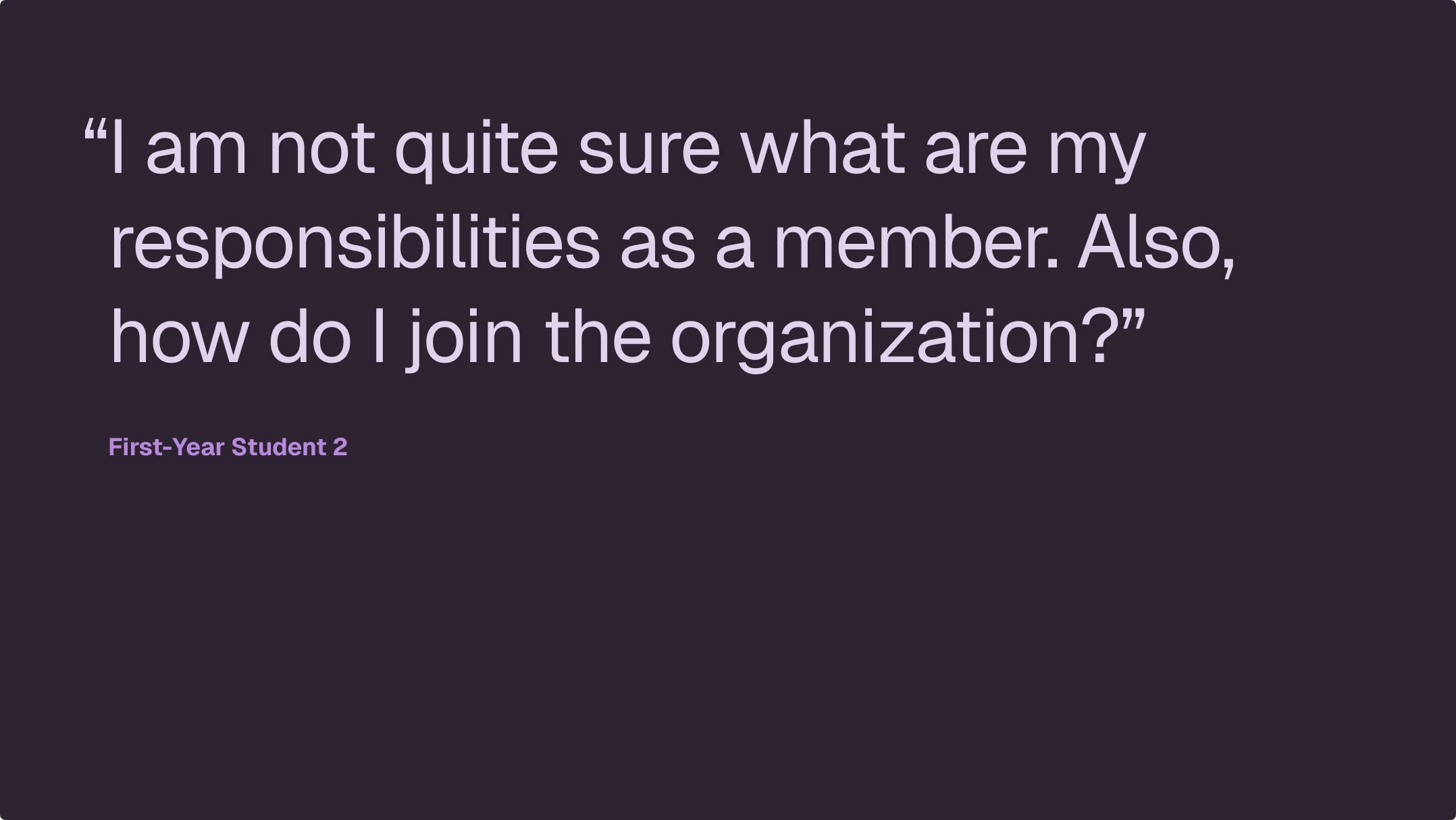
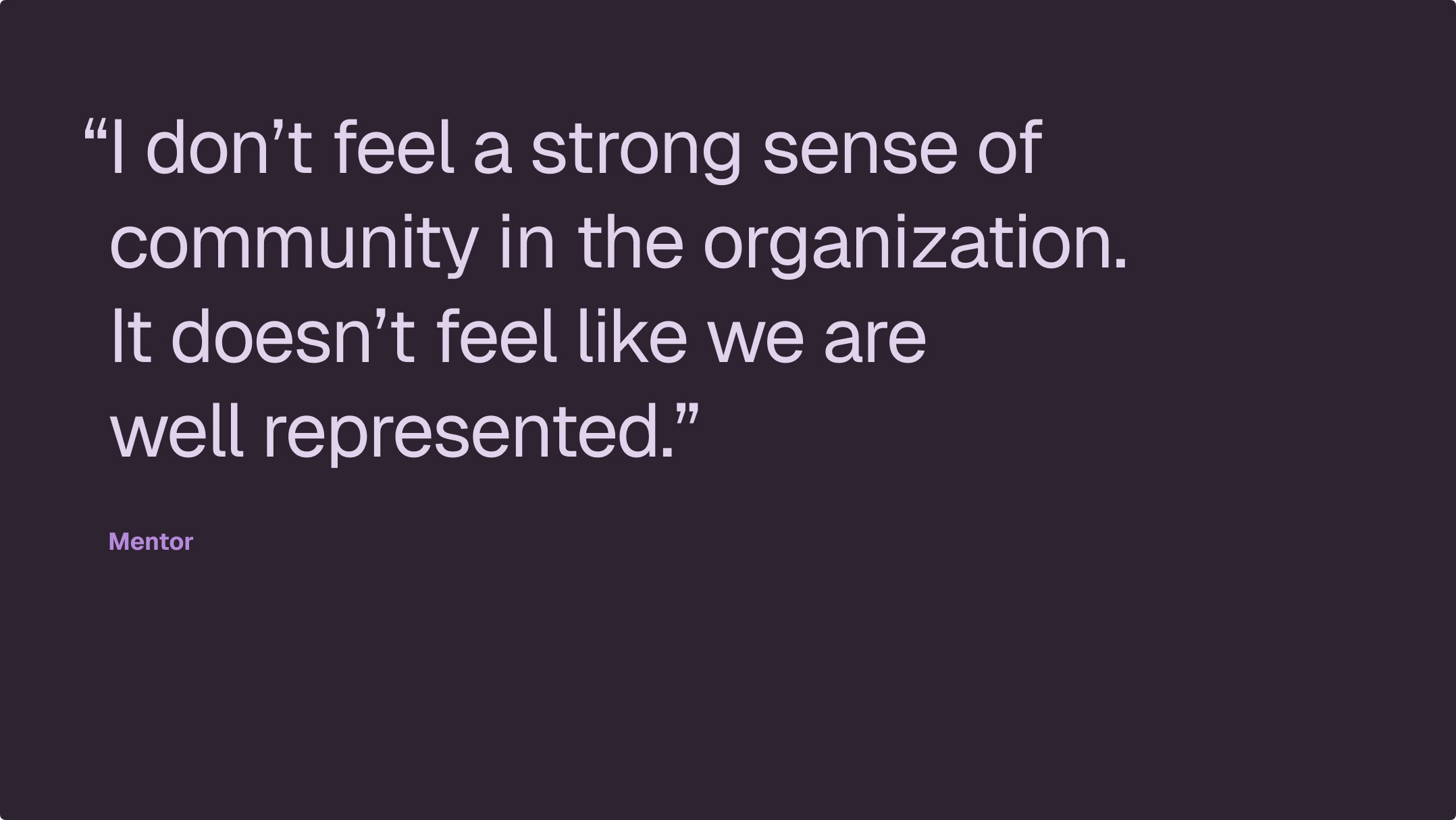
Quotes from the interview that supported the research takeaways
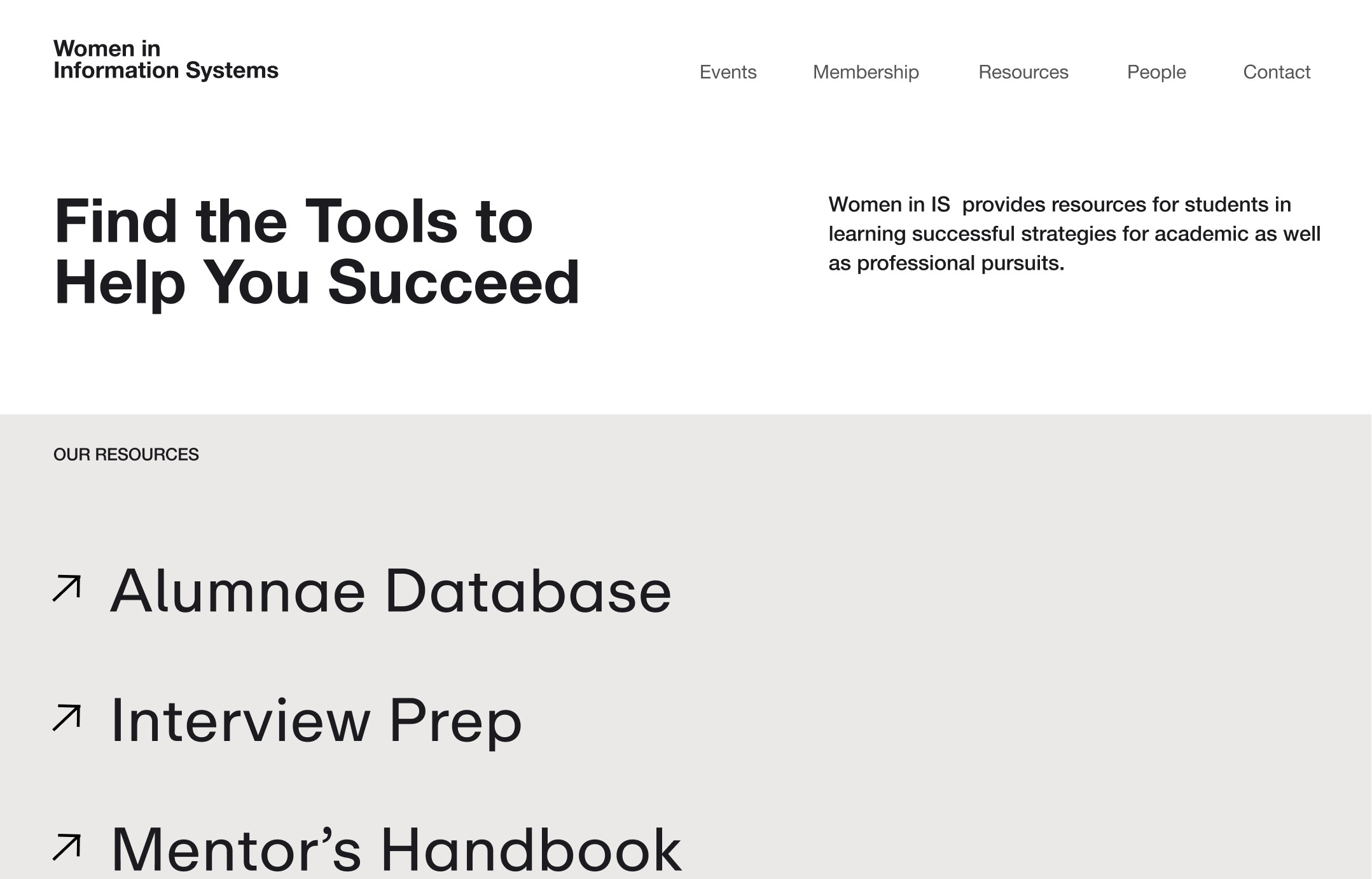
Current Website Analysis
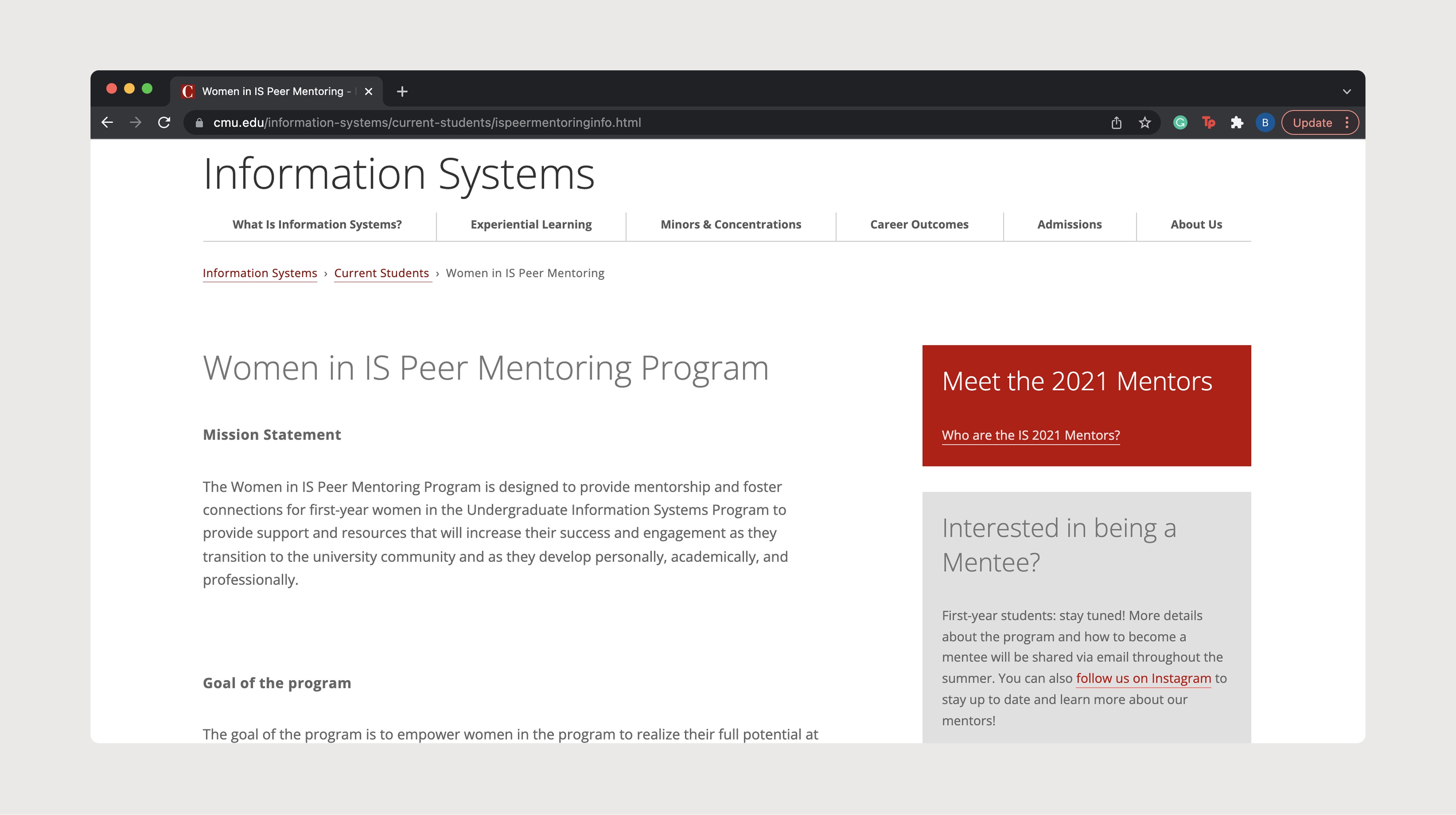
Looking at the current website, the issues the students mentioned in the interviews were clear:
①
Cumbersome navigation due to the site being nested under an unrelated page
②
Text heavy: no use of any imagery to represent the people within the community
③
Lacks necessary information about the organization and its resources
04
❋
Design Process
❋
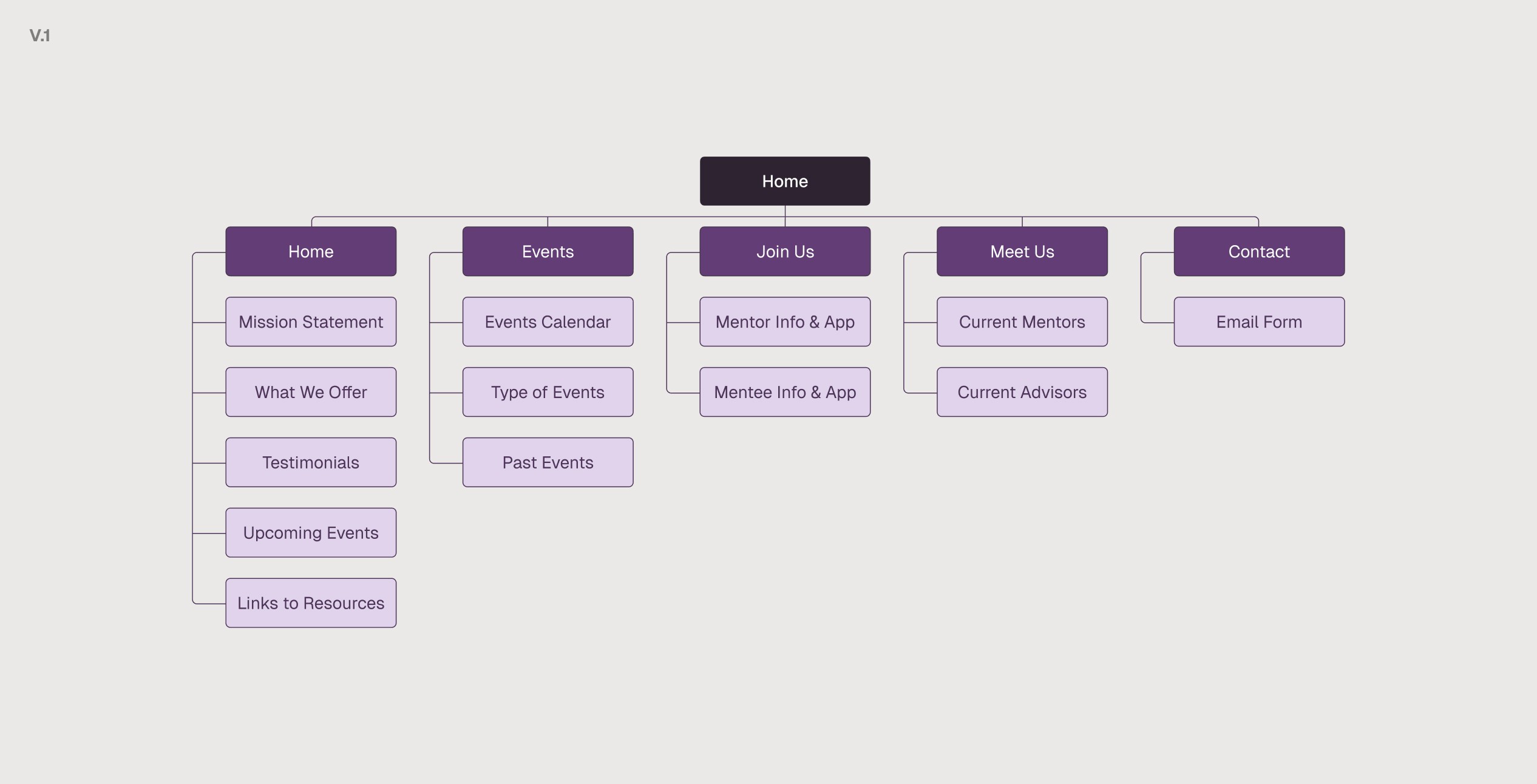
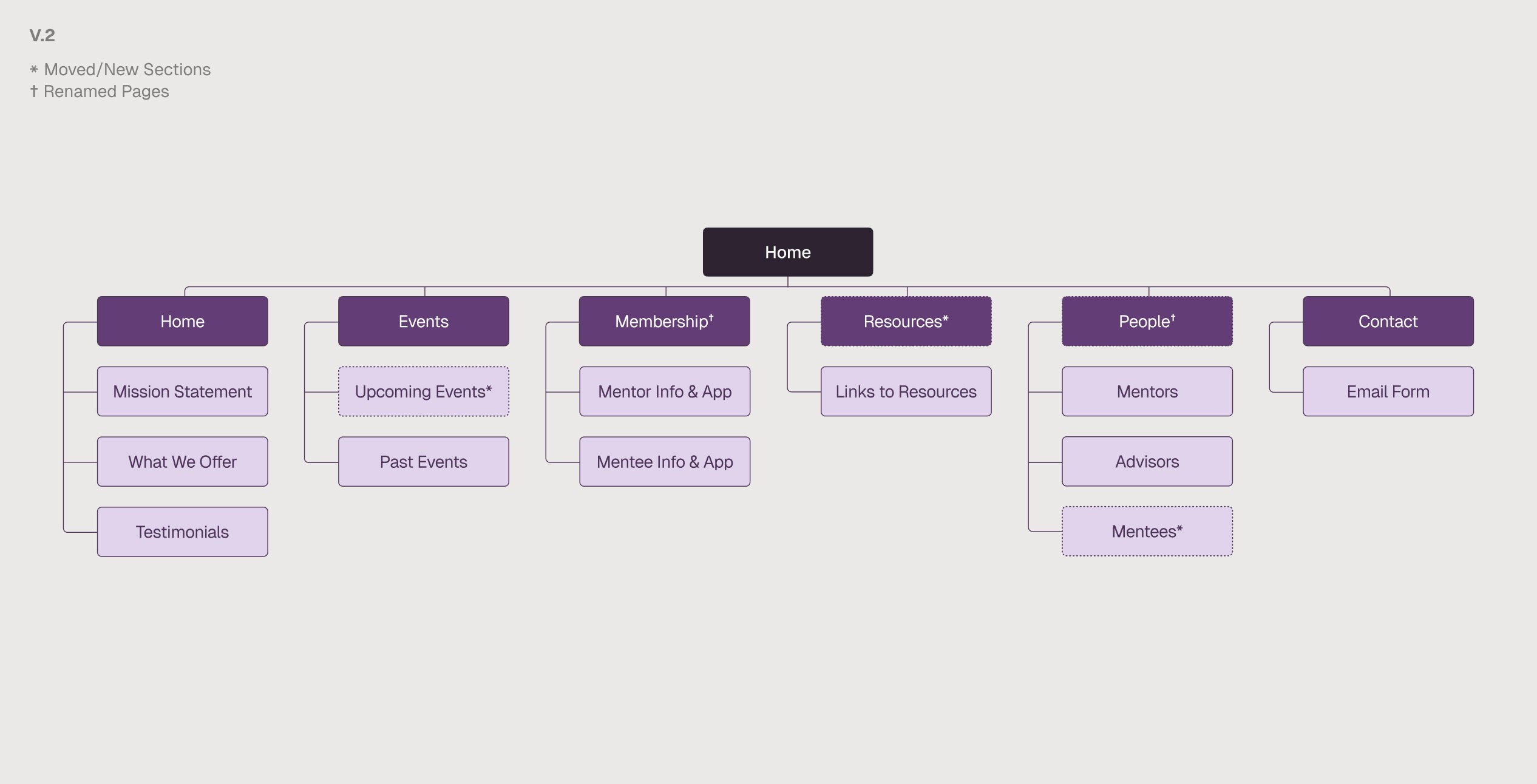
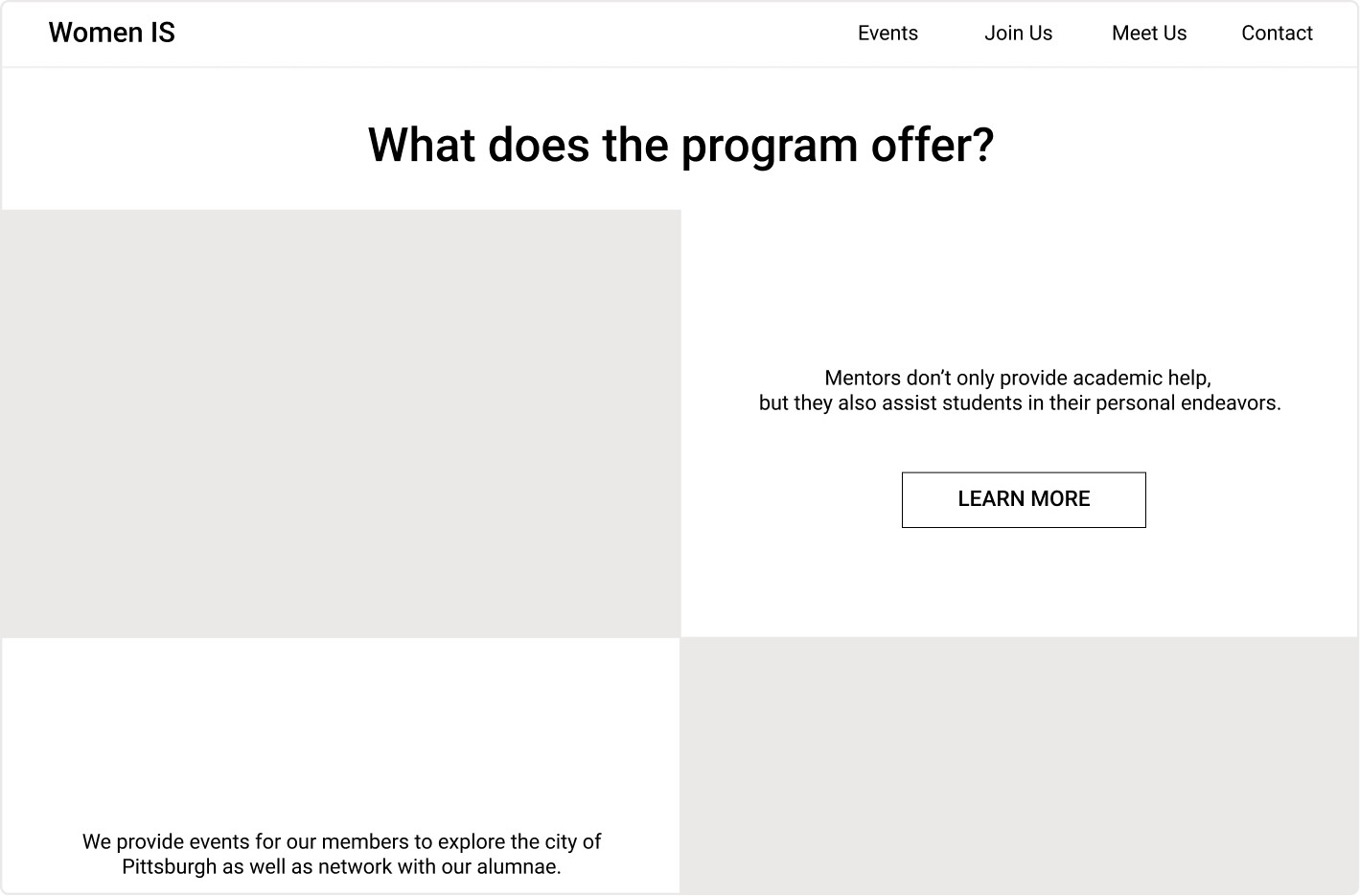
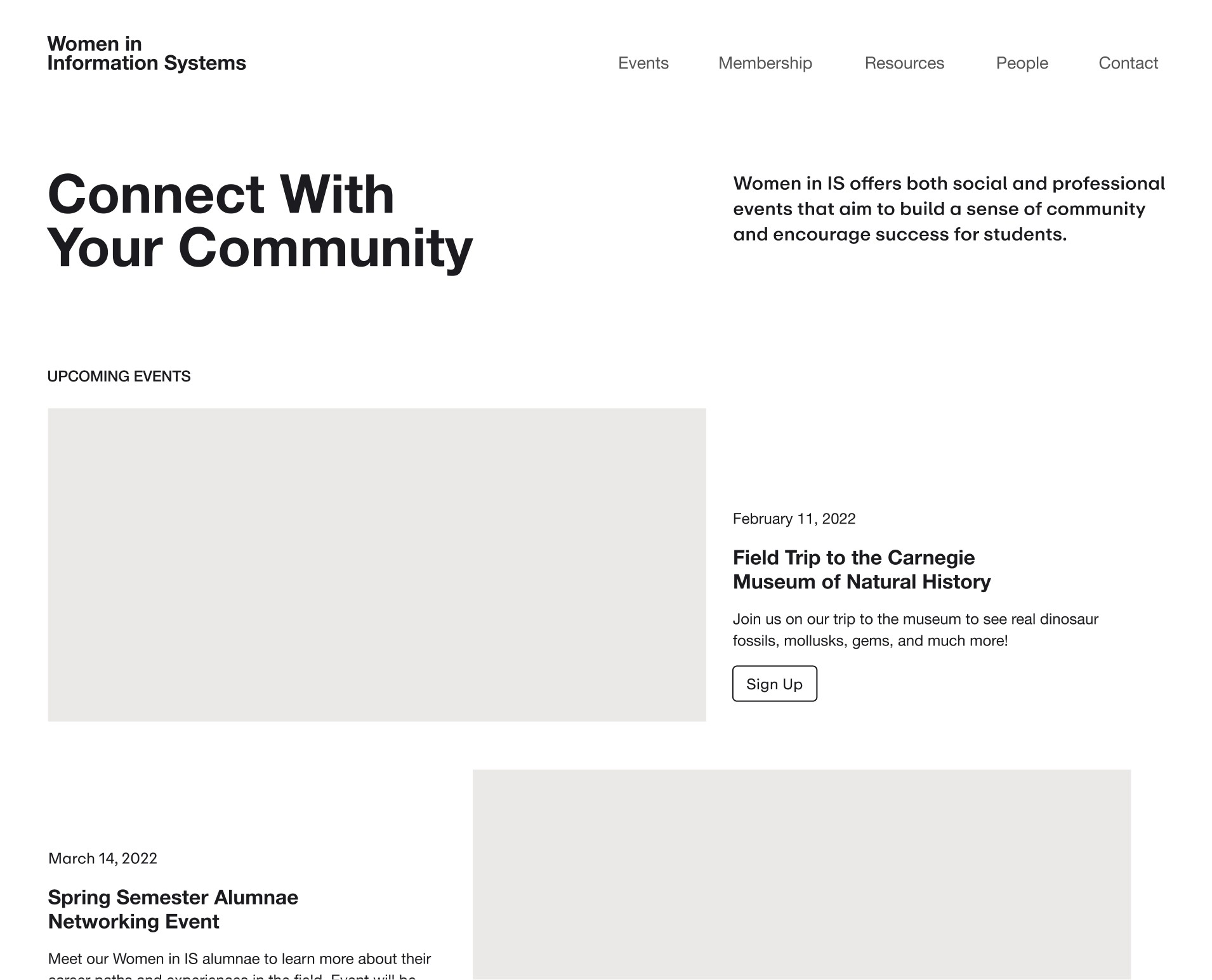
Home Page V.1
Takeaway ①
Home Page
↓ See changes to address issue
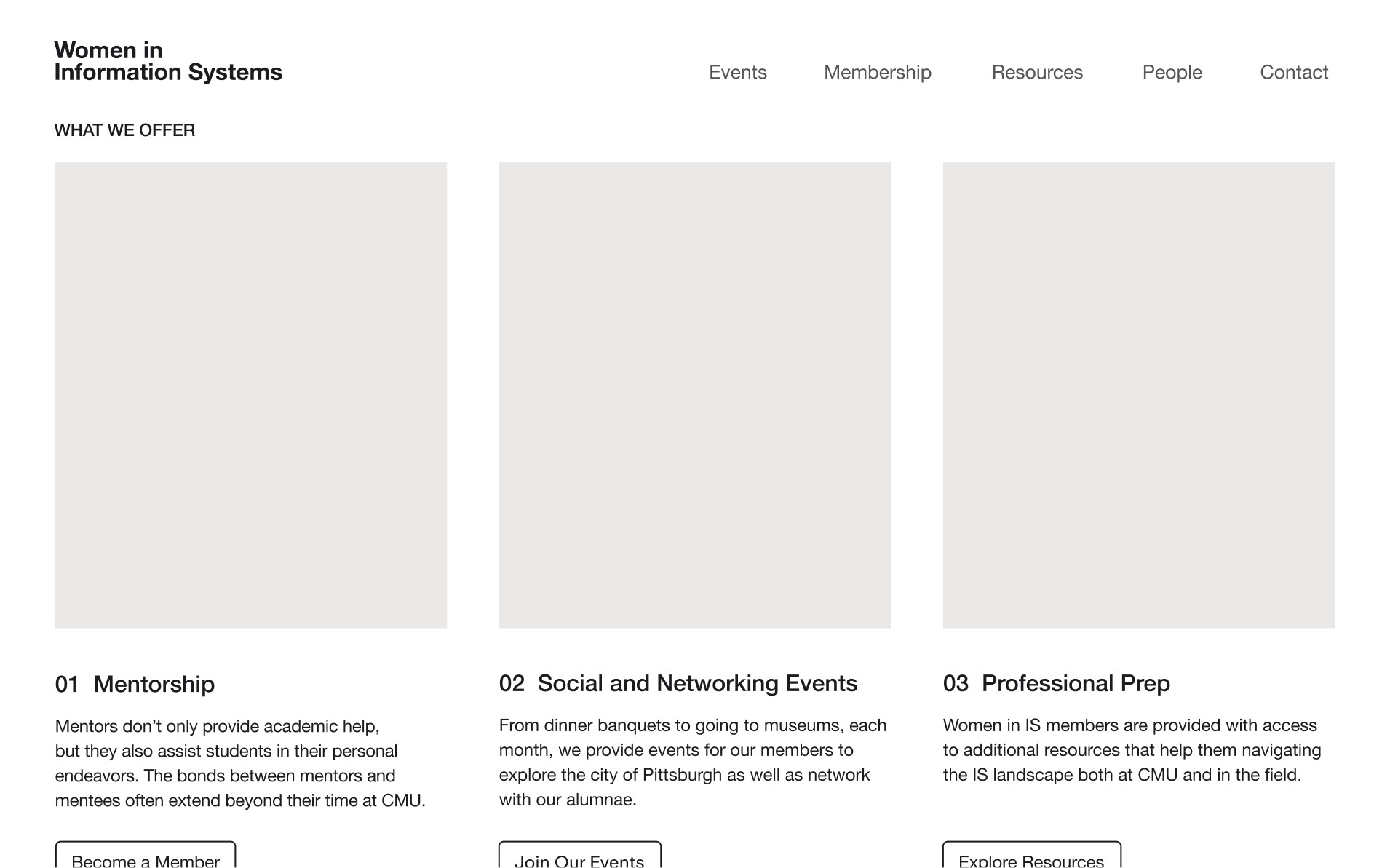
Takeaway ②
Events Page
↓ See changes to address the issue
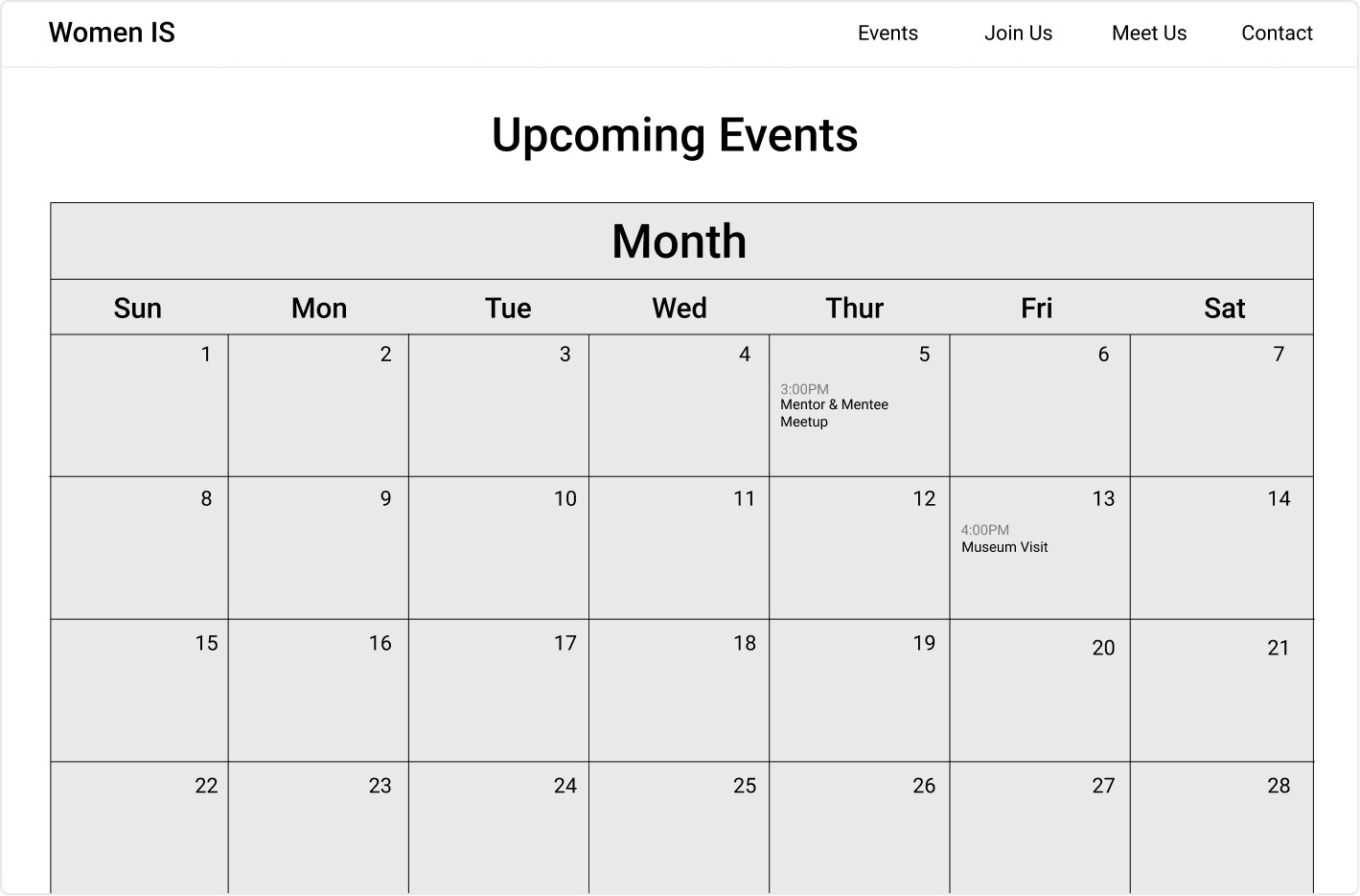
Events Page V.1
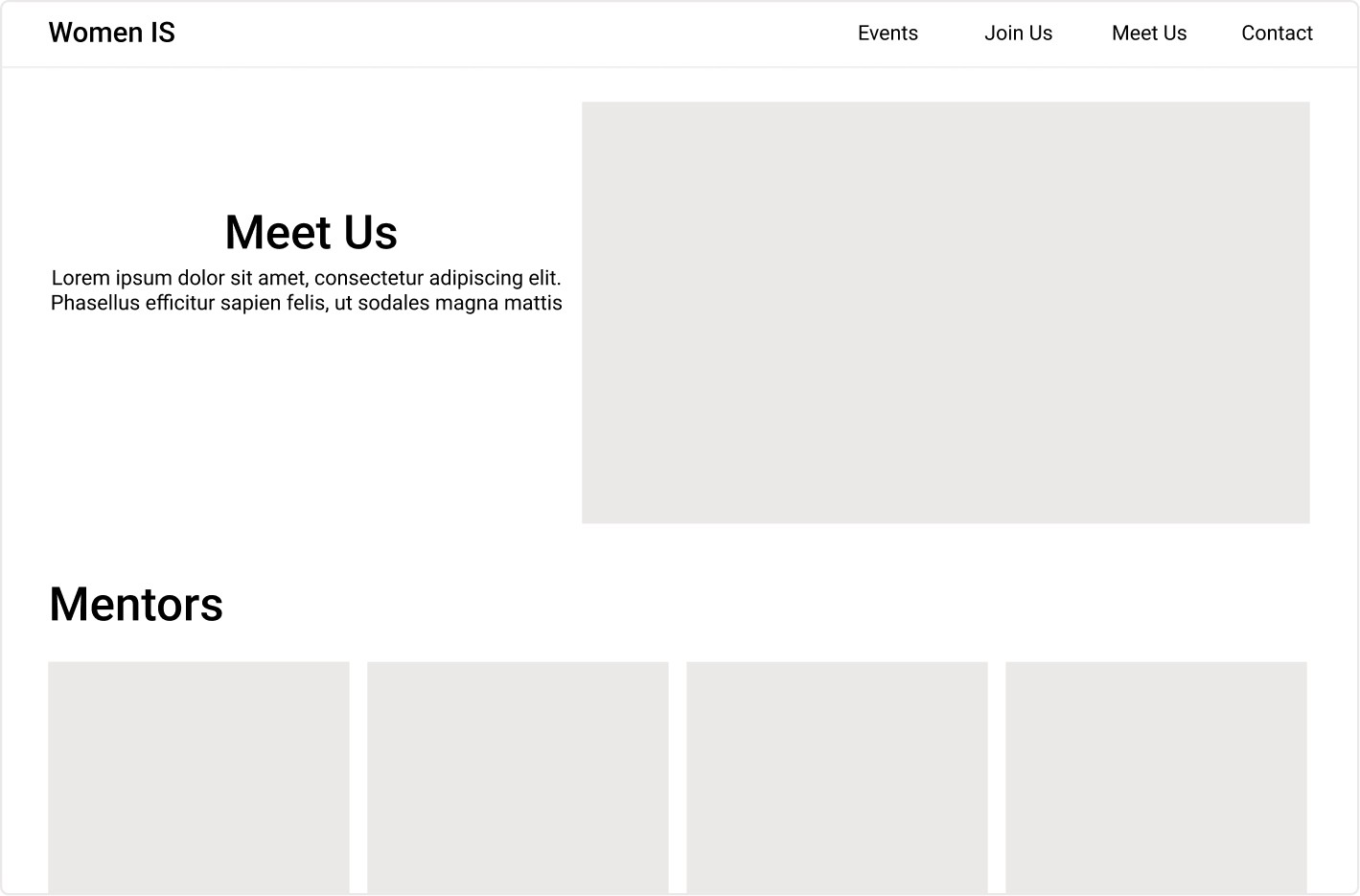
People Page V.1
Takeaway ③
People Page
↓ See changes to address issue
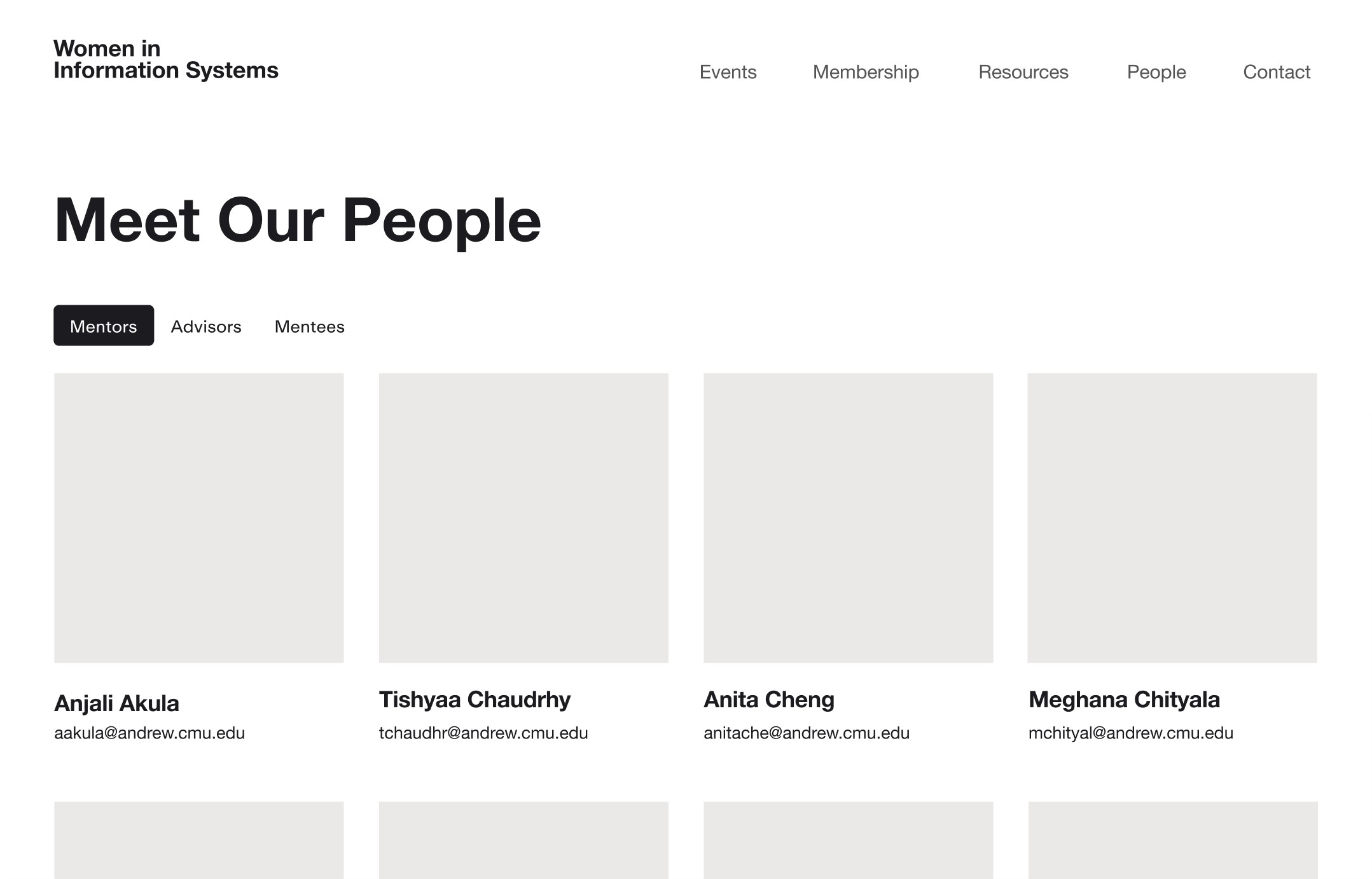
Bringing the design intent to fruition
After another round of user, I started working on the final design of the website. At this stage, the focus of the design wasn’t only about utility and functionality but also about building trust through an identity—a design system—that the stakeholders can resonate with.
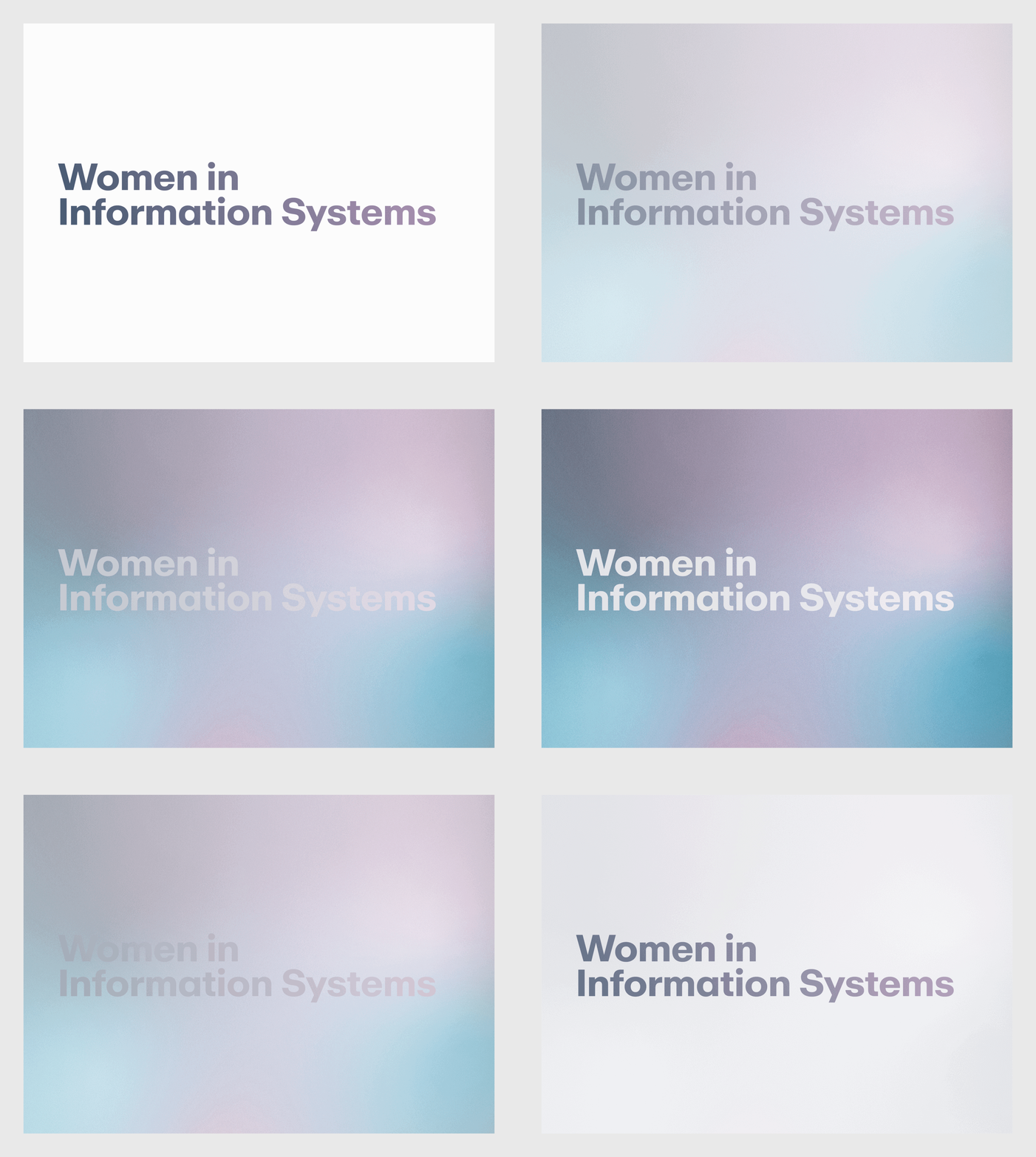
New WordMark: embrace of clarity and a more professional look
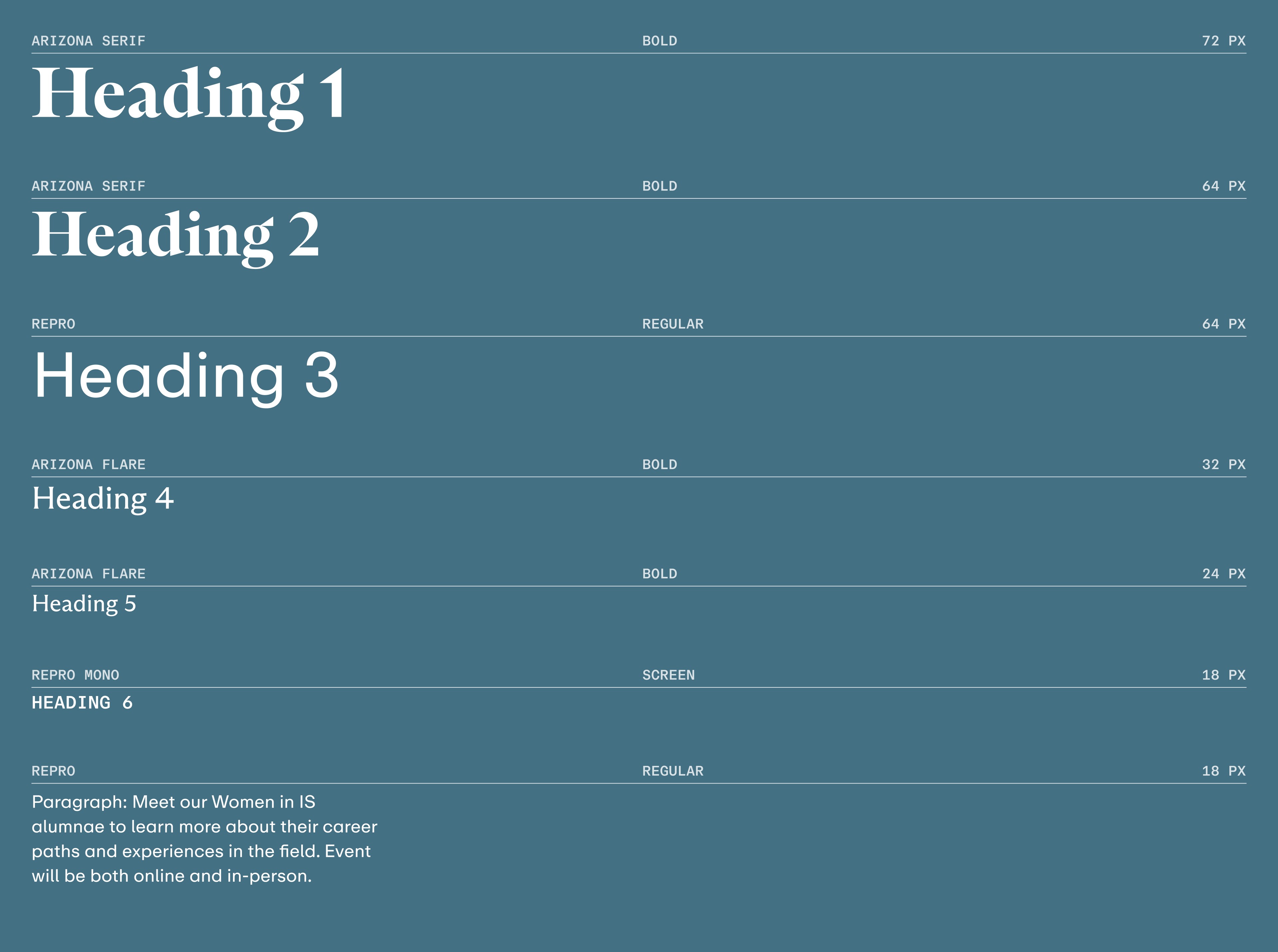
New Type System: A Balance between Sophistication, Flare, & Approachability
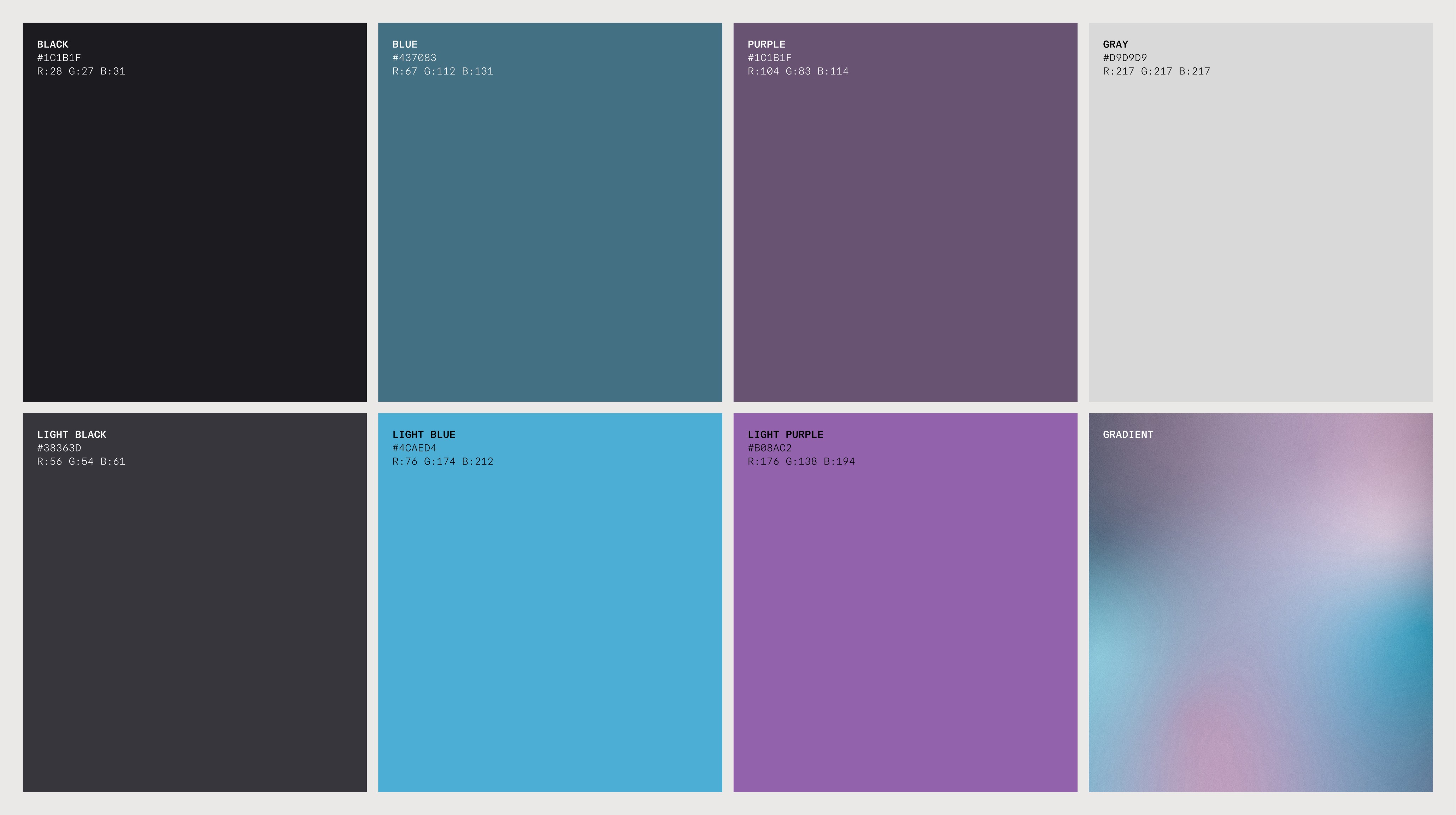
New Colors: Characteristics of Optimism, Freshness, Seriousness, & Fun
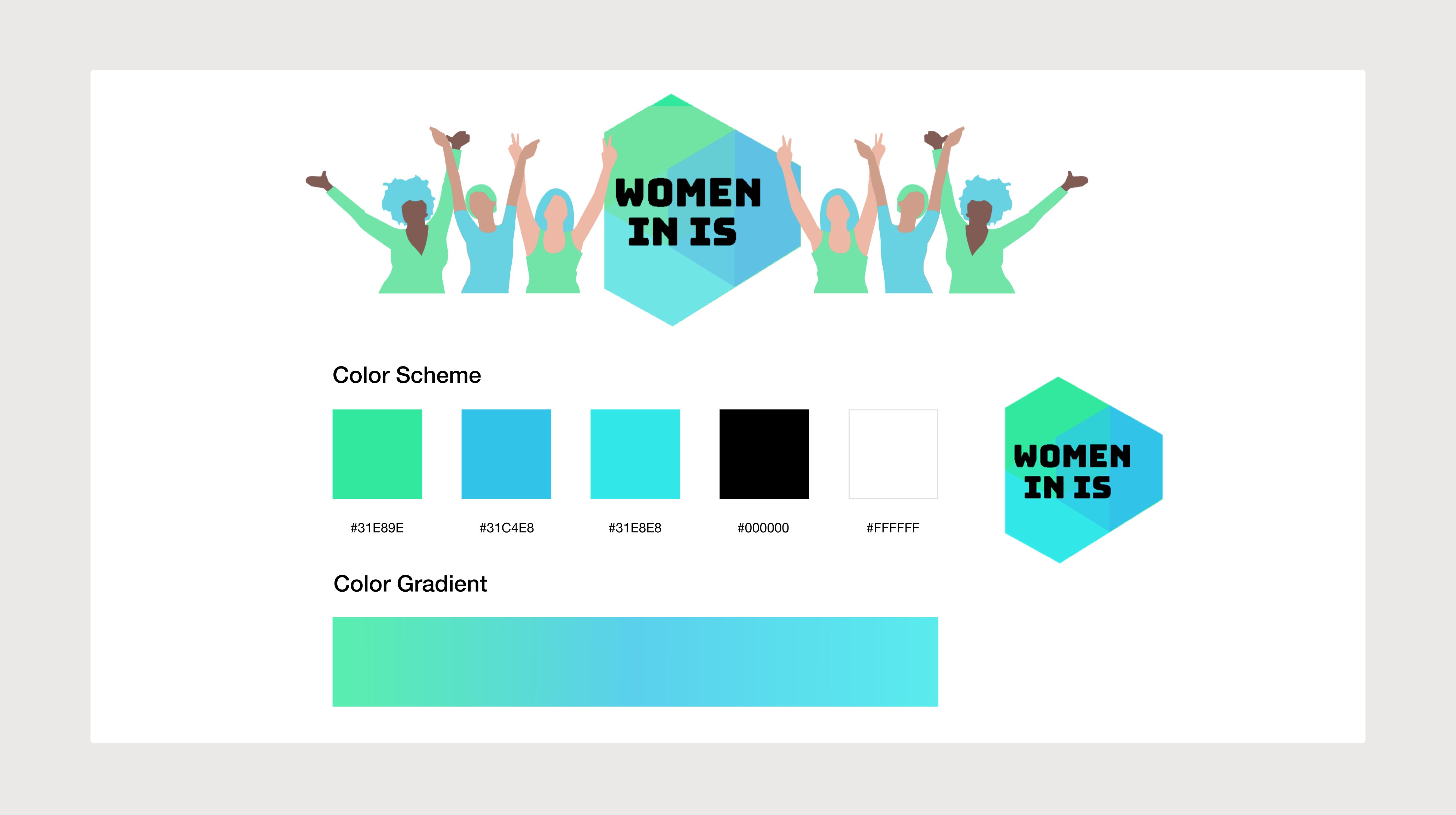
Old Identity System
Looking at old identity system, it was clear why a change was necessary:
①
Logo
The overlapping shapes create too much complexity for a logo.
②
Illustrations
They feel generic—a misrepresentation of the care and the human-connection that the organization strives for.
③
Colors
Palette is too close in hue, saturation, and brightness. Contracting colors will create a more comprehensive, unique, and flexible color system.
As the design process came to an end, I made sure to organize my file, deleting unnecessary elements and creating folders within Figma to organize my components, type, and color styles.